Using the genome browser
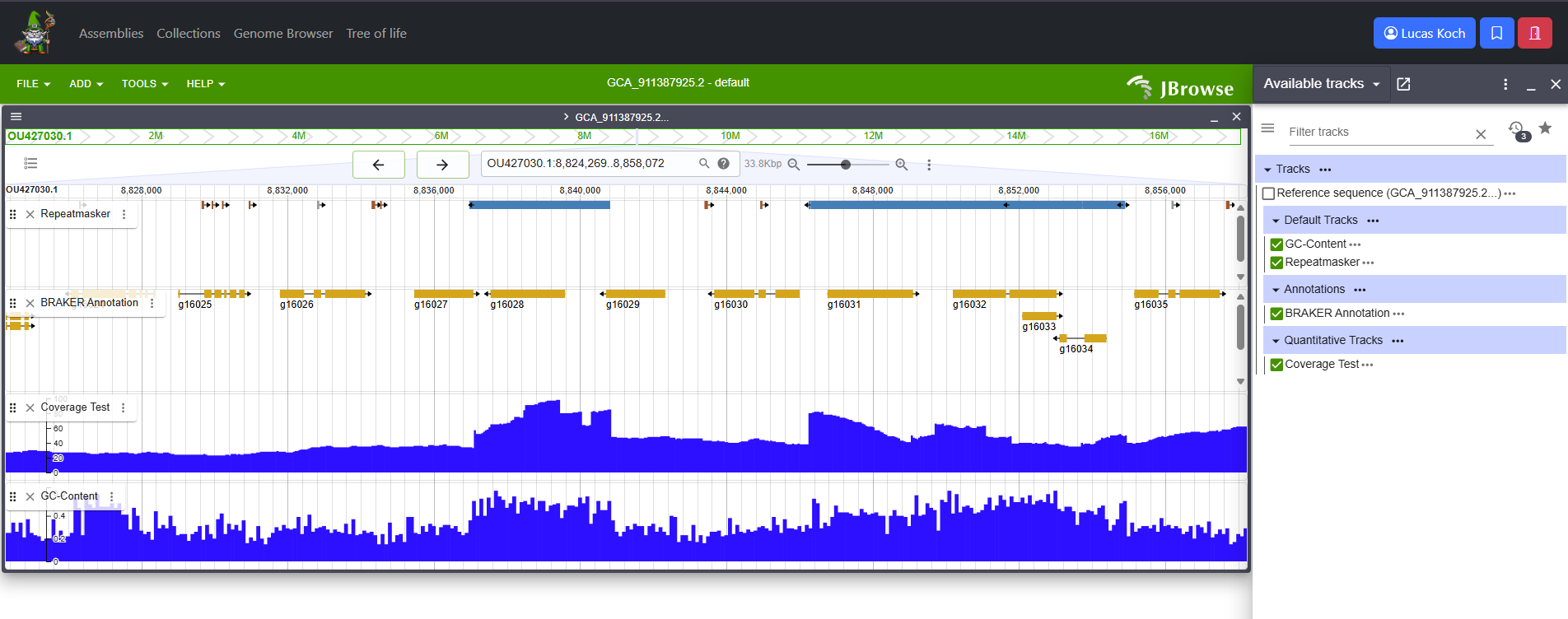
G-nom integrates a fully featured genome browser powered by JBrowse2. G-nom automatically generates track configs for all genomic annotations and mappings uploaded for a given assembly. Some analyses are parsed to create custom tracks with uniform color schemes across all assemblies (i.e. LTR/Copia elements identified by RepeatMasker will always be colored blue). Tracks use the names provided on import. G-nom also generates tabix indices automatically, enabling full-text search of annotation and mapping feature i.e. by their feature IDs.
You can find the browser under the URL /browser or by following the link in the navbar. Upon loading the page, you will be prompted to select one of the assemblies stored in G-nom. Once you click "Launch Browser", you will be re-directed to a page with a pre-populated JBrowse genome browser. Alternatively, the assembly page provides a button in the "Genome Browser" section to jump to pre-populated JBrowse genome browser for the assembly instantly.
For further usage instruction, please refer to the Jbrowse2 Documentation.