Agents
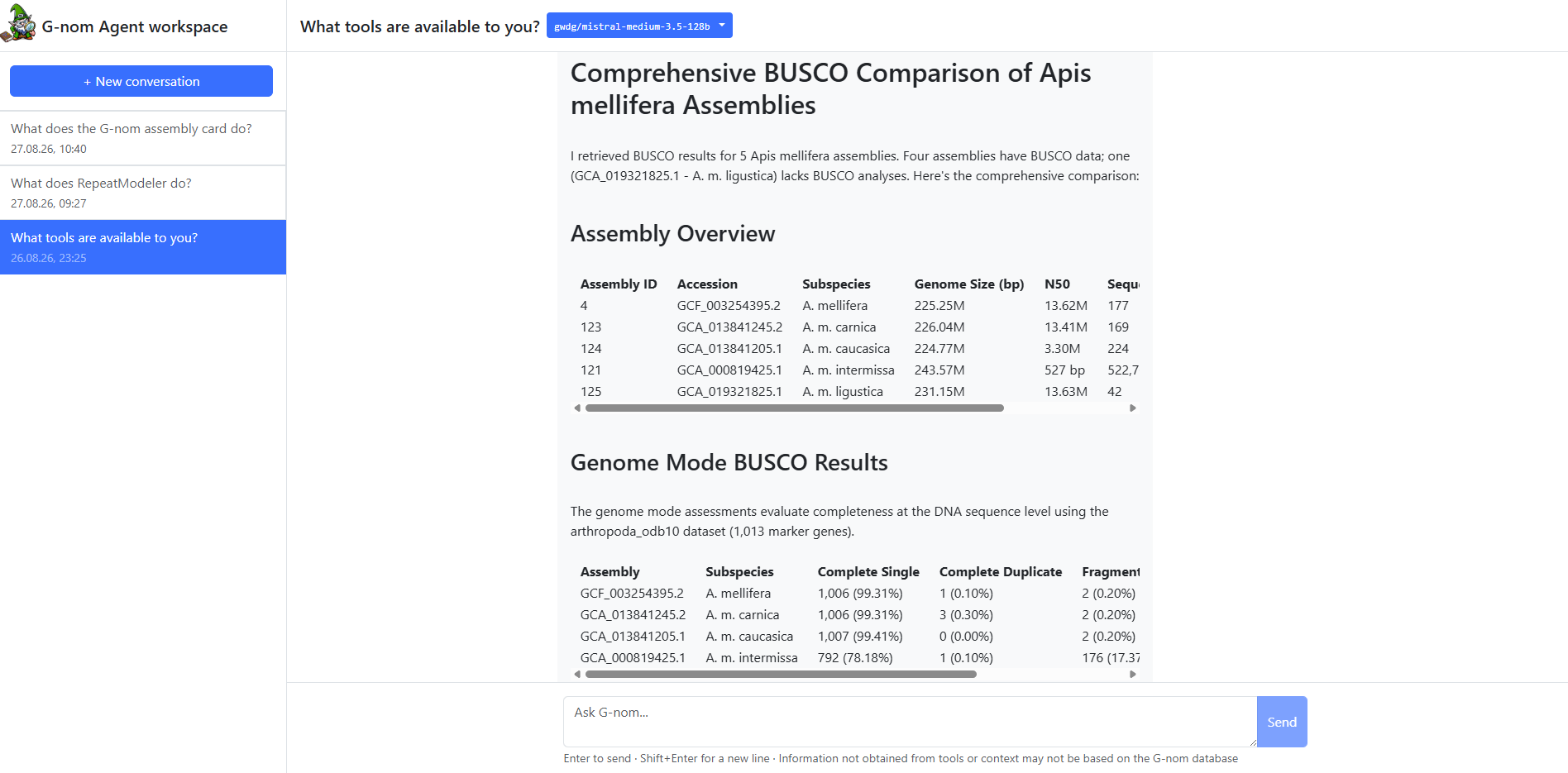
G-nom offers native support for LLMs to improve interactive research. LLM’s have access to a variety of Tools, allowing them to access contents of the G-nom database. The access restrictions of the user currently conversing with the agent apply. These agents can either be powered by one central LLM, managed by the G-nom instance administrator, or on a per-user basis with an external provider and API key (Bring Your Own Model).
Selecting a LLM
| In order for the LLM to perform tasks, data requested via tools is transferred to the system of the model provider. Only use trusted providers which comply with your organisation’s data governance rules. Instance administrators can disable external LLM providers to protect the data stored in G-nom. |
In the header row, next to the conversation title, you will find a dropdown menu listing available models. If an internal model is configured, it will always be listed as "G-nom Internal". If BYOM is enabled, you may add a new provider using model name, API gateway and API key using the "Add Model" button.
Tools
Agents have access to a selection of tools to request data stored in G-nom, enabling Retrieval-Augmented Generation (RAG):
-
AssemblySearchTool: Allows the agent to obtain an assembly overview based on name, taxon name, ID, or taxon ID.
-
BuscoRetrievalTool: Allows the agent to retrieve detailed BUSCO statistics associated with an assembly.
-
RepeatmaskerRetrievalTool: Allows the agent to retrieve detailed Repeatmasker statistics associated with an assembly.
Tools used by an agent to answer a query are indicated as a collapsible box at the top of a corresponding chat message. Opening the collapsible box reveals the query and results sent to the tool. You may use this feature to verify the information provided in the text answer.
|
If an agent claims to provide information specific to your G-nom dataset but did not use a tool, this can have one of two reasons:
|
Tools are executed with the permission of the user involved in the conversation. Therefore, only assemblies you would otherwise be able to access i.e. via the assembly page are returned.
Retrieval-augmented Generation from arbitrary literature
Agents can use the LiteratureResearchTool ro retrieve and incorporate and information from a literature corpus specific to your G-nom instance. Simply put, the agent performs a similarity search against embedded chunks of research documents and incorporates this information into its responses.
| RAG can reduce the risk of LLM hallucinations but not fully prevent them. The information incorporated into agent responses is only as good as the information uploaded to the vector storage. |
Similar to other tools, users can inspect the output of the LiteratureResearchTool. Additionally, agents will indicate which sources informed which paragraph using footnotes. Users may click the footnotes to jump the document overview page and inspect the full source of the agent’s claim.