Genome Browser
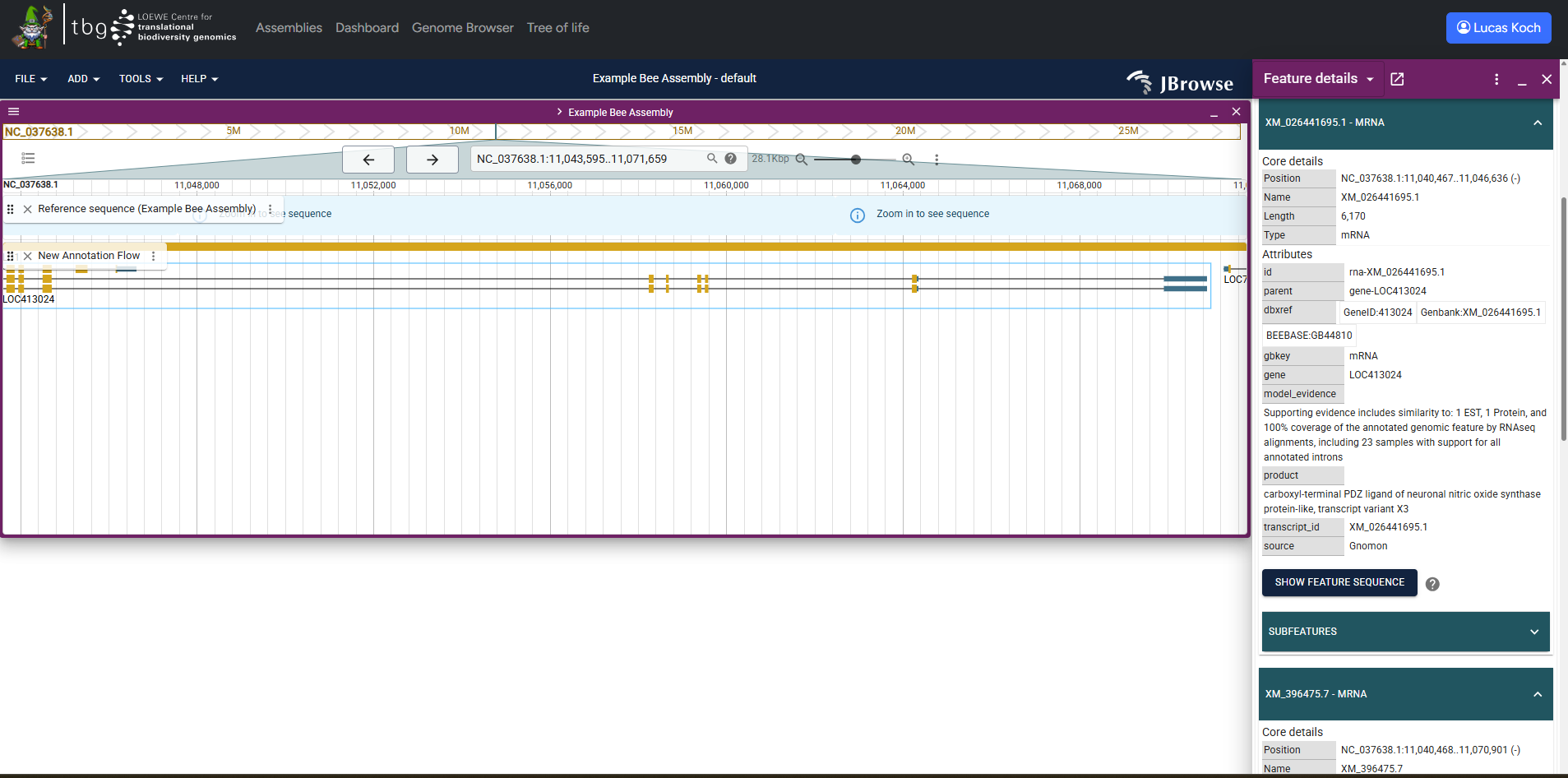
Example screenshot of the genome browser with one annotation loaded
G-nom integrates a fully featured genome browser powered by JBrowse2. G-nom automatically generates track configs for all genomic annotations and mappings uploaded for a given assembly. Tracks use the names provided on import. G-nom also generates tabix indices automatically, enabling full-text search of annotation and mapping feature i.e. by their feature IDs.
You can find the browser under the URL /browser or by following the link in the navbar. Upon loading the page, you will be prompted to select one of the assemblies stored in G-nom. Once you click "Launch Browser", you will be re-directed to a page with a pre-populated JBrowse genome browser. Alternatively, the assembly page provides a button in the "Genome Browser" section to jump to pre-populated JBrowse genome browser for the assembly instantly.
For further usage instruction, please refer to the Jbrowse2 Documentation.
Persistent browser sessions 
Warning
JBrowse allows you to store and load sessions in .json files, requiring you to download / upload them from your device. G-nom stores these sessions server-side. Session-related options in the JBrowse dropdown menu will not affect the session stored by G-nom.
While using the Genome Browser, G-nom will periodically store settings such as opened tracks, genomic position and track order. These settings are linked to your G-nom account and will be loaded when opening the Genome Browser, allowing you to seamlessly continue previous work across multiple devices.
A more sophisticated interface allowing you to manually manage persistent browser sessions is currently under development.
Data access
Genome Browser tracks inherit the access policy enforced by their associated assembly. G-nom will throw a 403 Error when users try to access data they are not permitted to read.